Built around tasks, not prompts
SmallClaw treats AI interaction as ongoing work: projects hold context, work items carry status, and roles take responsibility for different stages.
Mac App Store product page
Turn AI from a chat window into a manageable, executable, and human-takeover work system on the Mac.
SmallClaw is a native macOS AI agent workspace for organizing projects, work items, roles, permissions, models, skills, and execution history. It helps users move natural-language instructions toward checkable work outcomes while keeping local control boundaries clear.
Product positioning
SmallClaw sits between a simple chatbot and a developer automation framework. It gives Mac users a clearer way to assign tasks, inspect progress, manage permissions, and take over when judgment, approval, or correction is needed.
Work does not stay buried in a conversation thread. It is organized into projects, work items, roles, skills, and run history so it can be reviewed, reused, and continued.
SmallClaw treats AI interaction as ongoing work: projects hold context, work items carry status, and roles take responsibility for different stages.
Users can review model settings, permission scope, execution state, and run records on the Mac instead of handing control to an invisible process.
Users can access agent capabilities through a desktop interface without first assembling scripts, terminals, and configuration files.
Core workflow
SmallClaw constrains AI work with a stable structure: every goal has project context, every action is carried by a work item, every role has a responsibility boundary, and key moments can return to the user for confirmation.
SmallClaw supports role collaboration, context transfer, and workflow progress around the same work item. AI can explore and execute, but it must converge back into visible task state, output, and human confirmation points.
Different roles can exchange context around one task and hand off between research, drafting, review, and execution.
Common steps can become skills and templates so the next similar task does not have to start from a blank page.
Project, work item, role, and permission constraints help model calls stay focused instead of expanding into unrelated context.
Product screenshots
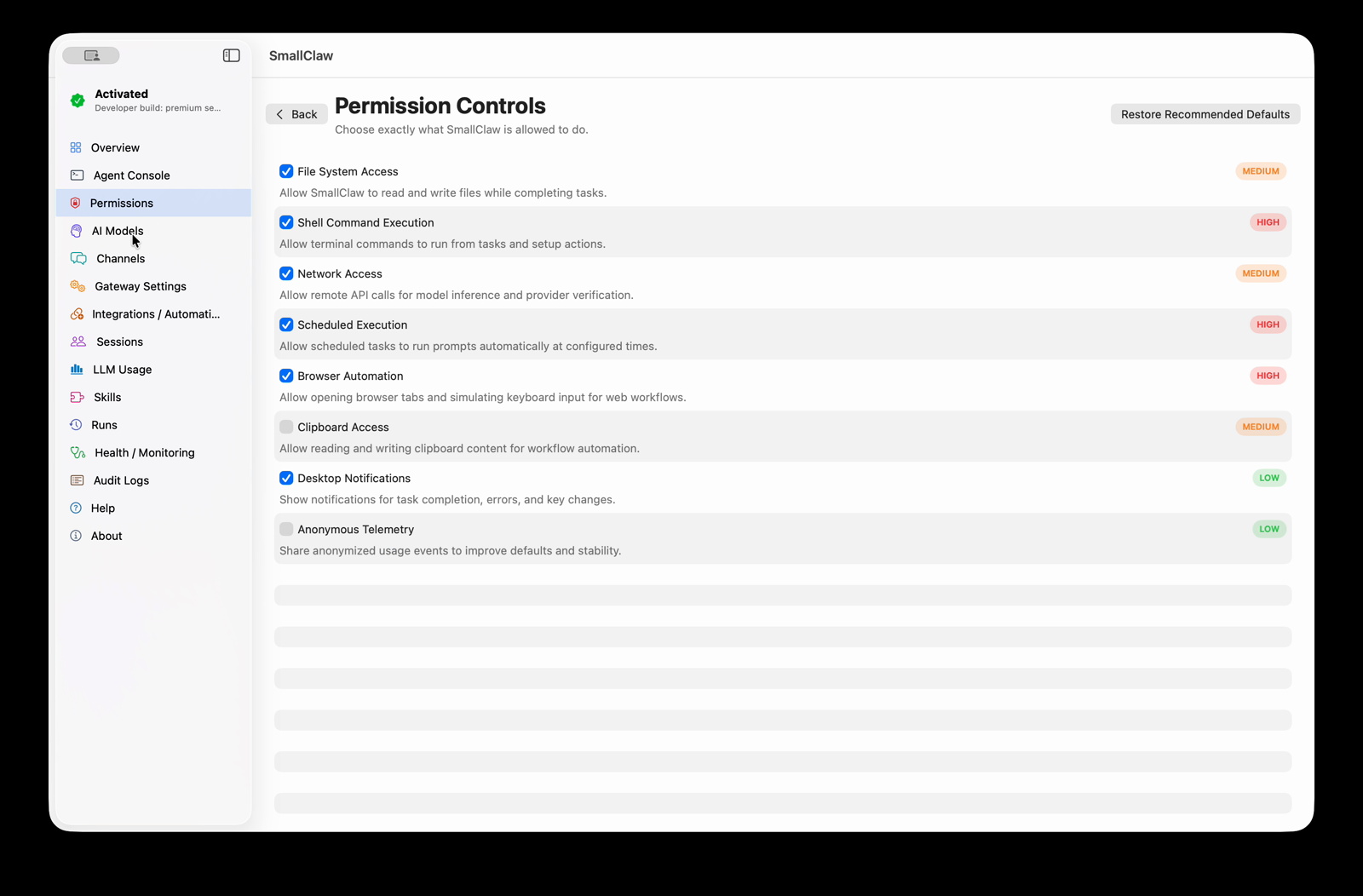
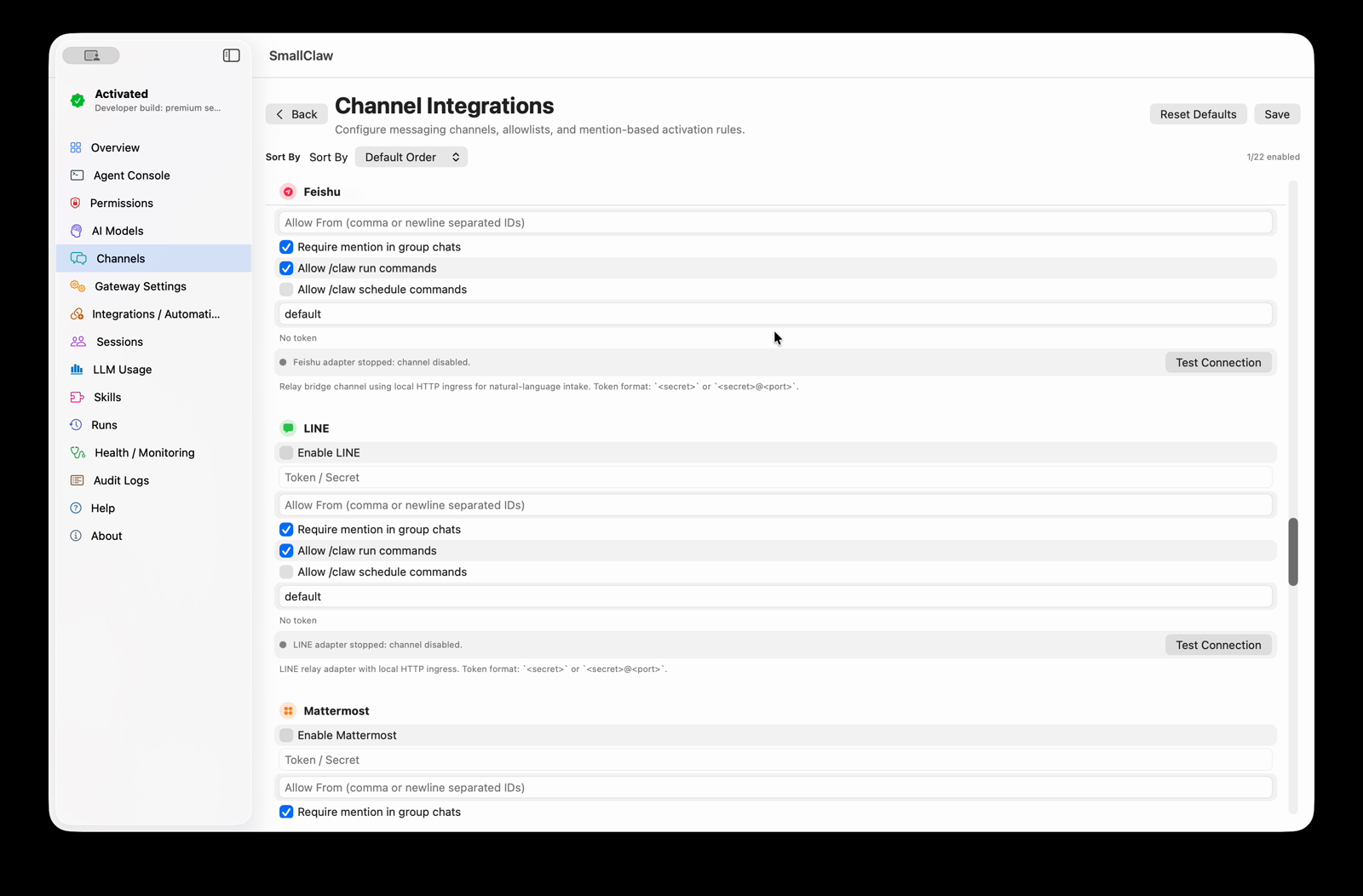
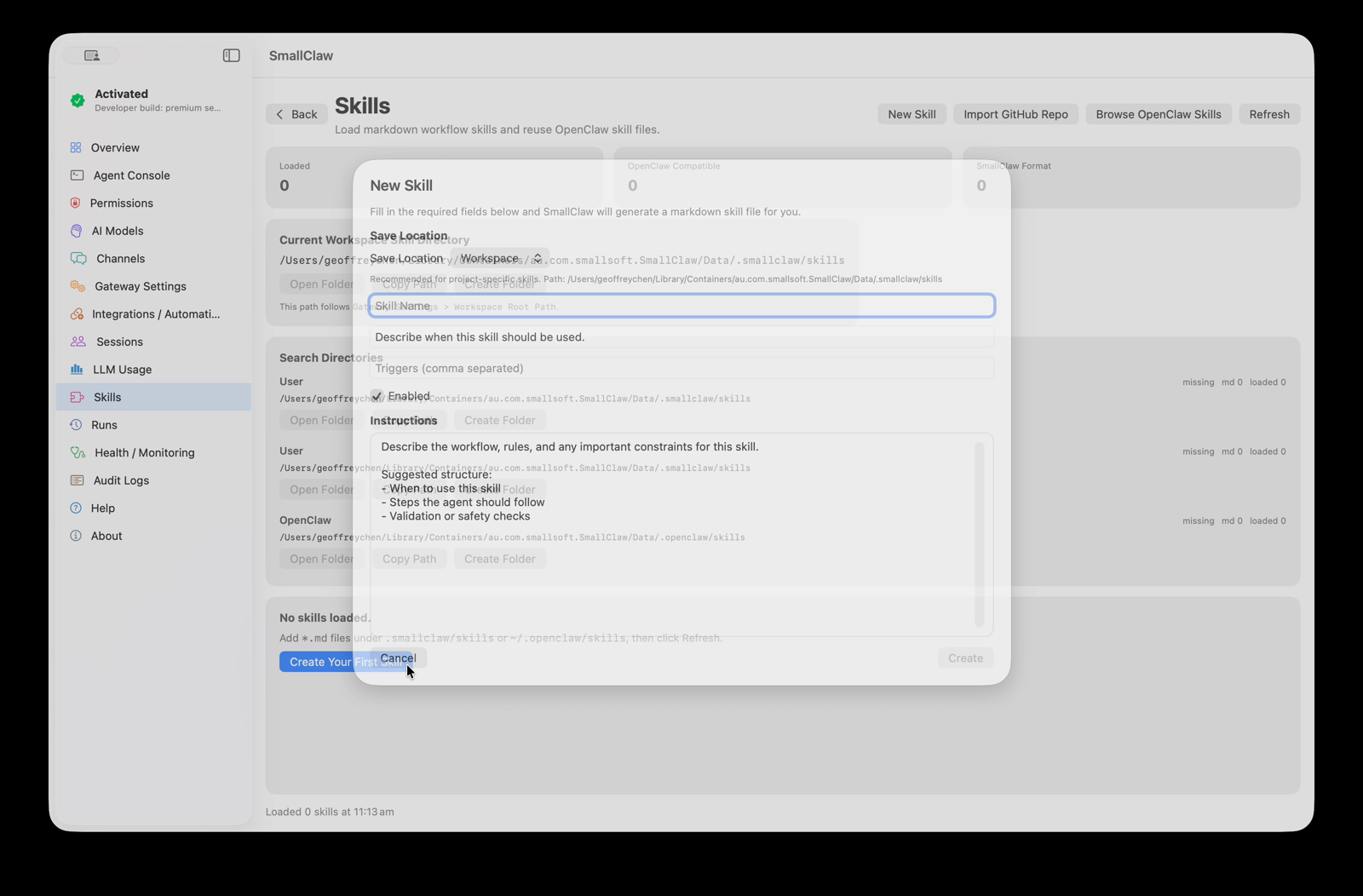
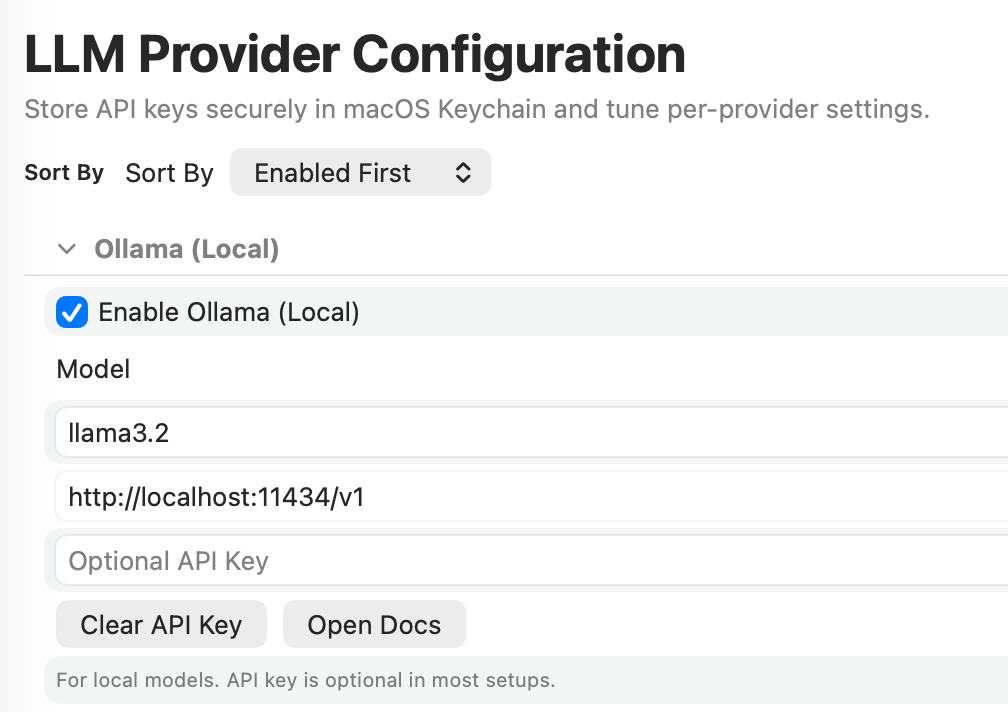
SmallClaw brings models, channels, permissions, skills, and run state into one inspectable desktop workspace, so users can understand what AI can do, what it is doing, and who needs to confirm the next step.
Functionality
From intent capture, model selection, permission control, and skill reuse to execution records, SmallClaw turns AI from one-off Q&A into a work system that can keep running.
Configure providers and local models in one place so different workflows can use the right model setup.
Clearly manage permission scope for the file system, browser, network, clipboard, notifications, shell, and scheduled work.
Route natural-language requests from communication channels into local workflows while preserving execution control.
Turn repeated work patterns into structured instructions so the agent can execute next time with clearer expectations.
Review sessions, run history, state, and operation records so AI work remains observable and traceable.
When judgment, approval, correction, or direct continuation is needed, users can take over without losing context.
Product modes
SmallClaw starts with the daily work of individual Mac users and can extend into more structured roles, workflows, and team collaboration.
Personal mode
Personal mode helps an individual organize projects, material, tasks, models, skills, and run records on their Mac for research, writing, file handling, browser work, and deliverable preparation.
Organization mode
Organization mode fits scenarios that need role separation, repeatable procedures, and permission boundaries, making AI-assisted work behave more like a manageable operating system than a temporary chat.
Why SmallClaw
SmallClaw is not about letting AI act completely away from the user. It places agent capabilities inside a work environment users can see, constrain, reuse, and take over. Projects, work items, roles, skills, and permissions help complex workflows converge into deliverable outcomes.